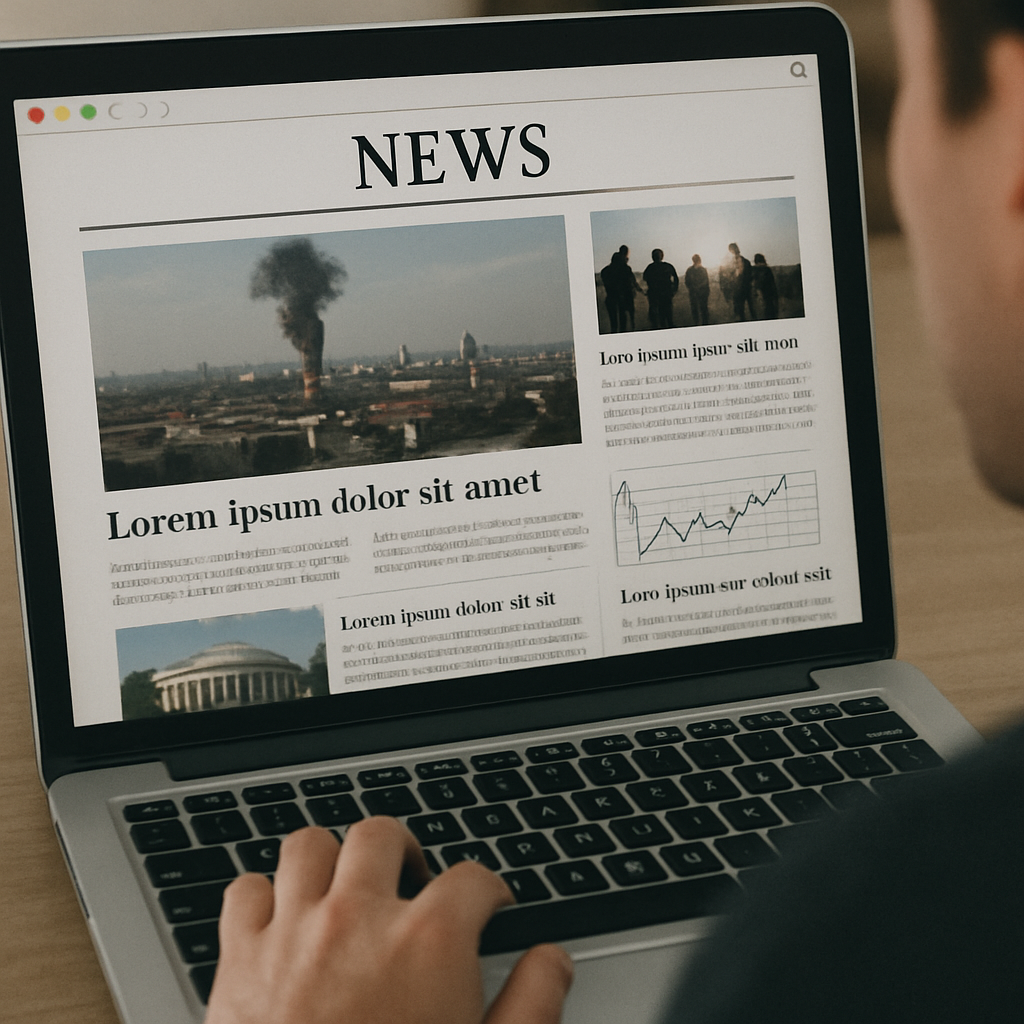
Creating an effective news page
design is both an art and a science. In today's fast-paced digital age, newspaper websites must grab
readers' attention quickly and keep them engaged.
With a well-crafted news page design, you can provide
a seamless experience that encourages readers to return time and again. Whether you're using a news
builder or embarking on newspaper website development from scratch, these essential elements will guide
you in designing the best newspaper website.
User Experience (UX)
User experience (UX) is at the heart of any
successful website, and news pages are no exception. A well-designed news page should be intuitive and
easy to navigate. Readers should find what they're looking for without much effort. Here are some
crucial aspects of UX to consider:
Simple Navigation
Ensure your navigation is straightforward and
intuitive. Use clear labels for categories such as World, Politics, Business, Sports, and Entertainment.
A sticky navigation bar that remains visible as users scroll can enhance accessibility. Additionally,
consider employing a breadcrumb trail to help users understand their current location on the site and
easily navigate back to previous sections. Implementing a search bar prominently can also aid users in
quickly finding specific articles or topics of interest.
Responsive Design
With more people accessing news on mobile devices,
responsive design is no longer optional. Your news page design should automatically adjust to different
screen sizes, providing a smooth experience across desktops, tablets, and smartphones. Employ flexible
grid layouts and scalable images to ensure content is presented optimally, regardless of the device.
Test your design on various devices to catch any responsiveness issues early. Consider using
mobile-first design principles to ensure the most critical elements are prioritized for smaller screens.
Fast Loading Speeds
Readers expect news websites to load quickly. Slow
loading times can drive visitors away. Optimize images, use efficient coding practices, and consider a
content delivery network (CDN) to improve loading speeds. Minimize the use of heavy scripts and plugins
that can bog down performance. Employ lazy loading for images and videos to ensure they only load when
needed. Regularly audit your website's performance using tools like Google PageSpeed Insights to
identify and rectify bottlenecks.
Visual Hierarchy and Layout
The layout of your news page plays a significant role
in how information is consumed. A clean, organized layout with a strong visual hierarchy helps direct
readers' attention to the most critical content.
Use of White Space
White space, or negative space, helps to break up
content and makes it more digestible. It gives your news page a clean, uncluttered look, allowing
readers to focus on the content without distraction. Strategically use white space to separate different
sections and elements, making it easier for readers to process information. Avoid overcrowding by
balancing text, images, and other elements, creating a harmonious visual experience. Remember, effective
use of white space can enhance readability and user satisfaction.
Headlines and Typography
Headlines should be bold and easily readable. Use a
consistent font style and size throughout your website to maintain a cohesive look. Typography should
complement the overall design without compromising readability. Choose fonts that are web-safe and
legible across different devices and screen sizes. Pair headlines with subheadings to provide context
and guide readers through the content. Use varying font weights and sizes to establish a hierarchy,
ensuring key information stands out.
Content Blocks and Grids
Organize content into blocks or grids to make it
easier for readers to scan the page. This method allows for a structured layout where various stories,
images, and videos can be displayed without overwhelming the reader. Employing a grid system can help
maintain consistency across different sections of your site. Use visual cues like borders or background
colors to distinguish between different content areas. Consider modular design principles to easily
rearrange content without disrupting the overall flow.
Engaging Multimedia
Incorporating multimedia elements like images,
videos, and infographics can enhance your news page design. They provide visual interest and can help
convey information more effectively than text alone.
High-Quality Images
Ensure that images are high-quality and relevant to
the content. They should be optimized for web use to prevent slow loading times. Captivating images can
entice readers to click on an article. Use images strategically to complement and enhance the written
content, providing additional context or emotion. Implement image galleries or slideshows for
visual-heavy stories to keep readers engaged. Regularly update your image library to reflect current
events and maintain freshness.
Video Content
Videos can offer a more dynamic way to engage
readers. Whether it's a news report, interview, or documentary, embedding video content can enrich the
storytelling on your news page. Ensure videos are properly optimized for web streaming to prevent
buffering and playback issues. Provide transcriptions or captions for accessibility and to cater to
users who prefer reading over watching. Consider using autoplay sparingly, as it can be disruptive to
the user experience.
Infographics and Data Visualizations
Data-driven stories benefit from infographics and
visualizations. They help break down complex information into understandable visuals that can quickly
convey key points to your audience. Design infographics to be easily shareable on social media,
expanding your reach. Use color and icons strategically to highlight important data and trends. Provide
interactive elements within visualizations to allow users to explore the data further and gain deeper
insights.
Interactive Features and User Engagement
Encouraging user interaction can foster a sense of
community and keep readers coming back. Incorporate features that allow users to engage with the content
and each other.
Comment Sections
Allow readers to express their opinions and engage in
discussions by including comment sections at the end of articles. Ensure that there are moderation tools
in place to maintain a respectful environment. Encourage meaningful dialogue by posing questions or
prompts in your articles. Utilize a voting or like system to highlight popular comments and foster
community engagement. Regularly monitor and moderate discussions to prevent spam and maintain a positive
atmosphere.
Social Media Integration
Integrate social media sharing buttons to allow
readers to share articles easily. This can increase your reach and drive more traffic to your website.
Incorporate social media feeds or widgets to showcase your latest posts and interactions. Encourage
readers to follow your social media channels for real-time updates and exclusive content. Analyze social
media engagement metrics to refine your strategy and improve content sharing.
Personalization Options
Offer personalization features such as customizable
homepages or content recommendations based on reading history. Personalization can make the news
experience more relevant and engaging for individual readers. Allow users to save articles or create
reading lists for easy access later. Implement user profiles that track preferences and deliver tailored
content suggestions. Use machine learning algorithms to continuously refine personalization based on
user behavior and feedback.
Accessibility Considerations
An inclusive news page design ensures that all users,
including those with disabilities, can access and enjoy your content. Implementing accessibility best
practices is not only ethical but can also broaden your audience.
Provide descriptive alt text for images to assist
visually impaired users who rely on screen readers. Alt text should convey the content and function of
the image. Ensure alt text is concise but informative, capturing the essence of the image's purpose.
Regularly audit your website's images to ensure alt text is accurate and up-to-date. Educate content
creators on best practices for writing effective alt text to maintain consistency.
Keyboard Navigation
Ensure that all interactive elements can be accessed
and operated using a keyboard. This is crucial for users with mobility impairments who may not be able
to use a mouse. Implement focus indicators to help users track their navigation progress. Test your
website with keyboard-only navigation to identify any accessibility barriers. Provide clear instructions
and shortcuts for keyboard users to enhance their experience.
Color Contrast and Text Size
Choose color schemes with sufficient contrast between
text and background to enhance readability. Additionally, provide options for users to adjust text size
to suit their needs. Utilize tools like contrast checkers to ensure compliance with accessibility
standards. Offer high-contrast modes or themes for users with visual impairments. Provide clear
instructions on how users can adjust text size or switch to alternative color schemes.
Conclusion
Designing an effective news page is a balancing
act between aesthetics and functionality. By prioritizing user experience, creating a strong visual
hierarchy, incorporating engaging multimedia, fostering user interaction, and ensuring
accessibility, you can develop a news page design that stands out in the crowded digital landscape.
Whether you're starting from scratch or using a news builder, these elements will help you create
the best newspaper website design that keeps readers informed and engaged.
Incorporate these strategies into your newspaper
website development process, and watch as your readership grows, your engagement increases, and your
online presence strengthens. With the right design, your news page can become a trusted source for
information in today's fast-paced world. Consistently evaluate and iterate on your design to adapt
to changing user needs and technological advancements, ensuring your news page remains relevant and
impactful.
Ready to Design Your News Website?
Bulletlink offers powerful tools and
templates to help you create a stunning, user-friendly news website with all the essential design
elements.